When you import images Kanzi Studio automatically creates single textures from each image you import.
To import images select > Import Images, select the image files you want to import, and click Open.
Kanzi Studio creates single textures for each image it imports and adds images to Library > Resource Files > Images.
Note that Kanzi supports only Bilinear and Point sample filtering for .dds textures.
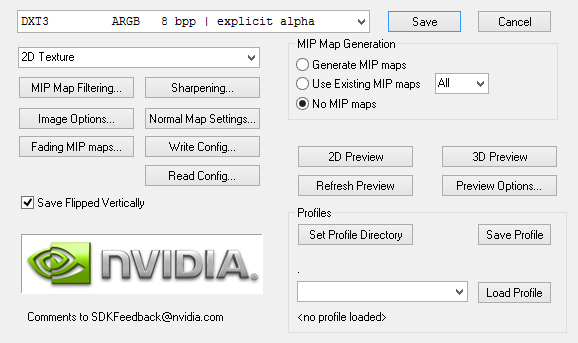
Kanzi supports .dds images in BC2 (DXT3) format. Export your images to .dds format with these settings:
For example, you can use NVIDIA's DDS Adobe Photoshop plug-in with these settings: